Do You Need an App? PWA vs Native App vs Website
Before you pay for app development in Singapore, know this: most SMEs do not need a native app. A fast mobile website serves customers who find you once and get in touch. A progressive web app (PWA) suits customers who come back often: it installs to the home screen, keeps working on a weak signal and can send notifications, all from one codebase with no app store in the way. A native app earns its extra cost mainly when you need phone hardware the browser cannot reach, or your customers really do look for you in the app stores. Below are the trade-offs, the store fees and rules, and a seven-question helper that picks for you.
What is a progressive web app, in plain words?
A PWA is a website built to behave like an app. MDN, the reference most web developers work from, describes it as an app built with web technologies that gives the experience of a platform-specific app. Google's web.dev guide sums it up as capable, reliable and installable. In practice, three things a normal website does not do.
1. It installs to the home screen
A customer opens your link, then adds it to their phone. It gets its own icon, opens in its own window and shows up in the app switcher, as web.dev's installation guide explains. On Android, Chrome offers the install itself once the app meets its criteria. On iPhone your page cannot trigger an install prompt: the customer taps Share, then Add to Home Screen, which since iOS 16.4 works from Safari, Chrome, Edge and Firefox, according to MDN. So plan a short on-page hint for iPhone users.
2. It keeps working on a weak signal
A small script called a service worker sits between the app and the network. It can keep pages and data on the phone and serve them when the connection drops, which MDN covers under offline and background operation. In a basement carpark or a lift lobby with one bar, your customer still sees their last booking or your price list instead of an error page.
3. It can send push notifications
The Push API lets a web app receive messages from your server even when it is not open, as long as it has an active service worker. That covers appointment reminders, "your order is ready" and back-in-stock alerts.
iPhone has a catch. WebKit, the team behind Safari, added web push in iOS and iPadOS 16.4, and only for web apps that have been added to the Home Screen. The permission request also has to follow a tap, such as a "Remind me" button. So on iPhone, notifications reach customers who installed your PWA, not casual visitors. Earn the install first, then ask.
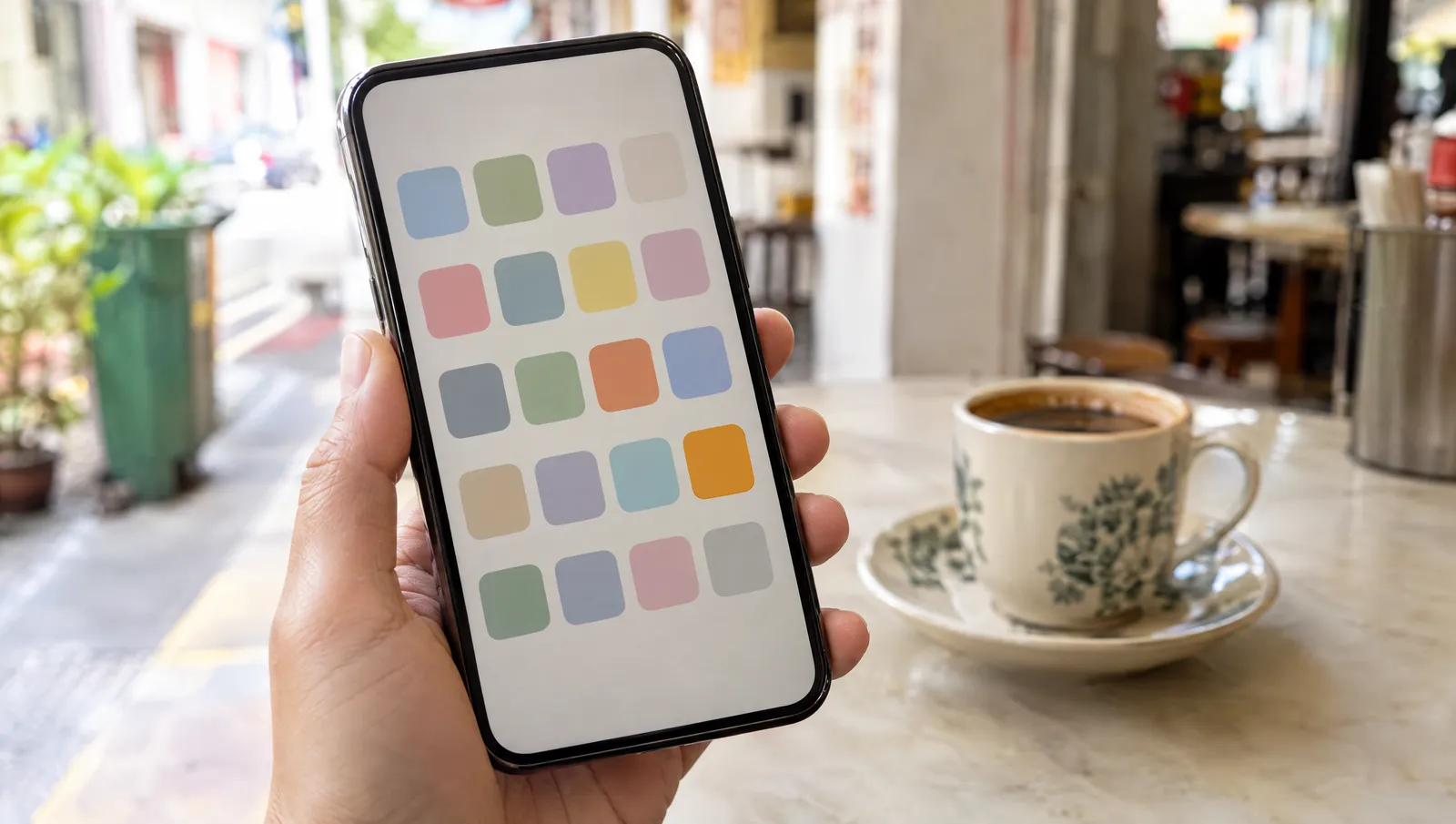
Website, PWA or native app: how do they compare?
A PWA is not a different technology from a website. It is your website plus a web app manifest (the name and icon the phone uses) and usually a service worker. That is why it costs far less than a native app: you extend something you already need instead of building a second product.
| Website | PWA | Native app | |
|---|---|---|---|
| How customers get it | A link or a Google search | A link, then an optional install | Download from the App Store or Google Play |
| Home-screen icon | No | Yes | Yes |
| Works offline | Rarely | Yes, for what you choose to cache | Yes |
| Push notifications | No | Yes (on iPhone, once installed) | Yes |
| Found on Google | Yes | Yes, it is a website | Through its store listing and your website |
| Store review | None | None | Every release |
| Store fees | None | None | Developer accounts, plus commission on digital sales |
| Code to maintain | One site | One site | iOS and Android apps (or one cross-platform app), plus the website |
| Phone hardware | Camera and location, with permission | The same, plus install and push | Full access |
| Updates | Live instantly | Live instantly | After store review, then each user updates |
What do Apple and Google charge, and who reviews your app?
Publishing a native app means joining two programmes. The Apple Developer Program costs US$99 a year, and a Google Play developer account has a US$25 one-time registration fee. Those are the small numbers.
Commission applies to digital goods and subscriptions sold inside the app. Small developers who sign up for each store's reduced rate pay 15%: Apple's Small Business Program covers developers with up to US$1 million in proceeds a year, and Google charges 15% on the first US$1 million of revenue each year to developers who enrol in its 15% tier. For most service businesses this matters less than people fear. Apple's guidelines say physical goods and services used outside the app, such as a cleaning slot or a bag of coffee beans, must be paid through other methods like Apple Pay or a card, and Google's payments policy keeps physical goods and services off Google Play's billing too. The commission bites when you sell digital things: online courses, in-app content, premium features.
Review is the bigger cost. Apple's guideline 4.2 on minimum functionality says an app should be more than "a repackaged website". A thin shell around your existing site is exactly what gets turned away. On Google Play, personal developer accounts created after 13 November 2023 must run a closed test with at least 12 testers for 14 days before the app can go live.
Then there is upkeep. Google Play keeps raising its target API requirement: since 31 August 2026, new apps and updates must target Android 16, and an app left on an old target stops being offered to new users on newer phones. A website or PWA has no store deadline to meet.
Budget for the yearly updates before you budget for the launch.
What does each option cost to build and keep running?
Scope moves the price far more than the format does, so here is where the money goes instead of a number. Use it to compare quotes line by line.
Website
Design and build once, then hosting, the domain, security and someone keeping it current. Our website maintenance guide covers what that care should include.
PWA
The same website, plus the manifest, offline caching, push set-up and testing on both iPhone and Android. It extends the site you were going to build anyway, so it is not a second project.
Native app
Everything above, because you still need the website, plus design and build for iOS and Android, both store accounts and listings, review rounds, and a yearly cycle of OS updates.
Whoever quotes you, ask two questions: which of the three would you build for us, and what will it cost to run each year, not just to build? For scoping the features themselves, our web development guide has an estimator that turns a feature list into an effort band.
When is a native app really worth it?
Native still wins in a few clear cases:
- Hardware the browser cannot reach reliably. Bluetooth devices, NFC tags, tracking location in the background for a delivery fleet, health data. MDN marks Web Bluetooth as experimental and missing from some of the most widely used browsers, for example.
- Customers search the stores for businesses like yours. Consumer products where people expect to tap "Get" in the App Store, not visit a link.
- Heavy daily use with demanding offline work. Field staff handling large files all day with no signal, or features that must run in the background.
- A budget and a team for two apps, every year. Not just the launch: the updates, reviews and support.
If none of these is true, a native app is mostly a cost line. Start with a website or a PWA. Because a PWA runs on the same backend and data, a native app can still come later without starting over.
App, PWA or website?
Seven quick questions about your customers and your budget. Answer them all and you get a recommendation, the reasons behind it, and what to do next.
Answer all 7 questions to see your recommendation.
A rule-of-thumb guide, not a quote. Runs entirely in your browser and stores nothing.
How do we handle "we need an app" at Aphyx?
We start by asking what job the app has to do. Often the answer is a fast website, which is what our web design services build. When a business needs more than pages, our custom solutions page shows custom apps running in production for Aphyx clients, plus a library of working modules you can open and try, including an AI chatbot, a booking system with a live calendar, a CRM pipeline and a 3D viewer.
Another, Make Me, is a quote-and-checkout engine for 3D-printing orders, embedded in a client's website. Customers upload a file, pick the material and layer height, and pay, and the order lands in the client's back end ready to print. The result: five hours of WhatsApp file chasing, now a ten-minute daily routine. It runs inside the website, so there is nothing to download and no app store in between.
If you sell products, read our guide to e-commerce websites in Singapore before you commit to a store app. A fast online shop with WhatsApp at the decision points does most of what a shopping app would, as we cover in why Singapore SMEs close more in chat.
Common questions about PWAs and apps
Is a progressive web app just a website?
Technically, yes. A PWA is a website with a web app manifest, which gives it a name and an icon, and usually a service worker, which lets it work offline and receive push messages. That is why it can be found on Google like any website, while still installing to the home screen and behaving like an app.
Do PWA push notifications work on iPhone?
Yes, since iOS and iPadOS 16.4, but only for web apps the customer has added to the Home Screen, and the permission request has to follow a tap such as a Remind me button. Casual visitors browsing in Safari will not get them, so give customers a reason to install first.
Do I pay Apple or Google a commission if customers book or buy through my app?
Not for physical goods or services. Apple requires payment methods other than in-app purchase for goods and services used outside the app, such as a cleaning slot or a delivery, and Google Play's billing is not used for physical goods and services either. Commission applies to digital goods and subscriptions sold inside the app, and small developers who sign up for each store's reduced rate pay 15% on up to US$1 million a year.
Can I turn a PWA into a native app later?
Yes. The website and backend you build for a PWA stay useful: a native app can use the same data, logins and business logic, so you are not starting over. If the PWA covers what you need, you simply never take the second step.
How much does app development cost in Singapore?
It depends far more on scope than on format, so compare quotes for the same features. Expect a native app to cost more to run, because you maintain iOS and Android apps plus your website, pay US$99 a year for the Apple Developer Program and a US$25 one-time Google Play fee, and update the apps every year. Ask every studio for the yearly running cost, not just the build price.
Not sure you need an app? Try ours first.
Open the booking, CRM, AI chat and 3D modules on your phone and see what a web app can do before you pay for a native one. When you have a scope in mind, see our plans, get in touch, or message us on WhatsApp at +65 8613 7901.
Try the live modules